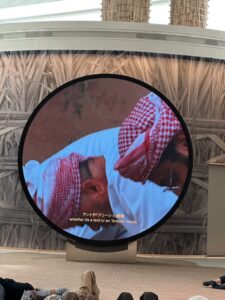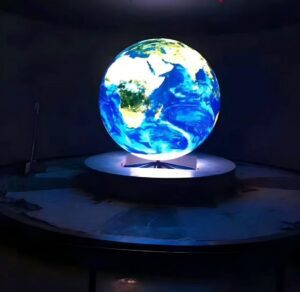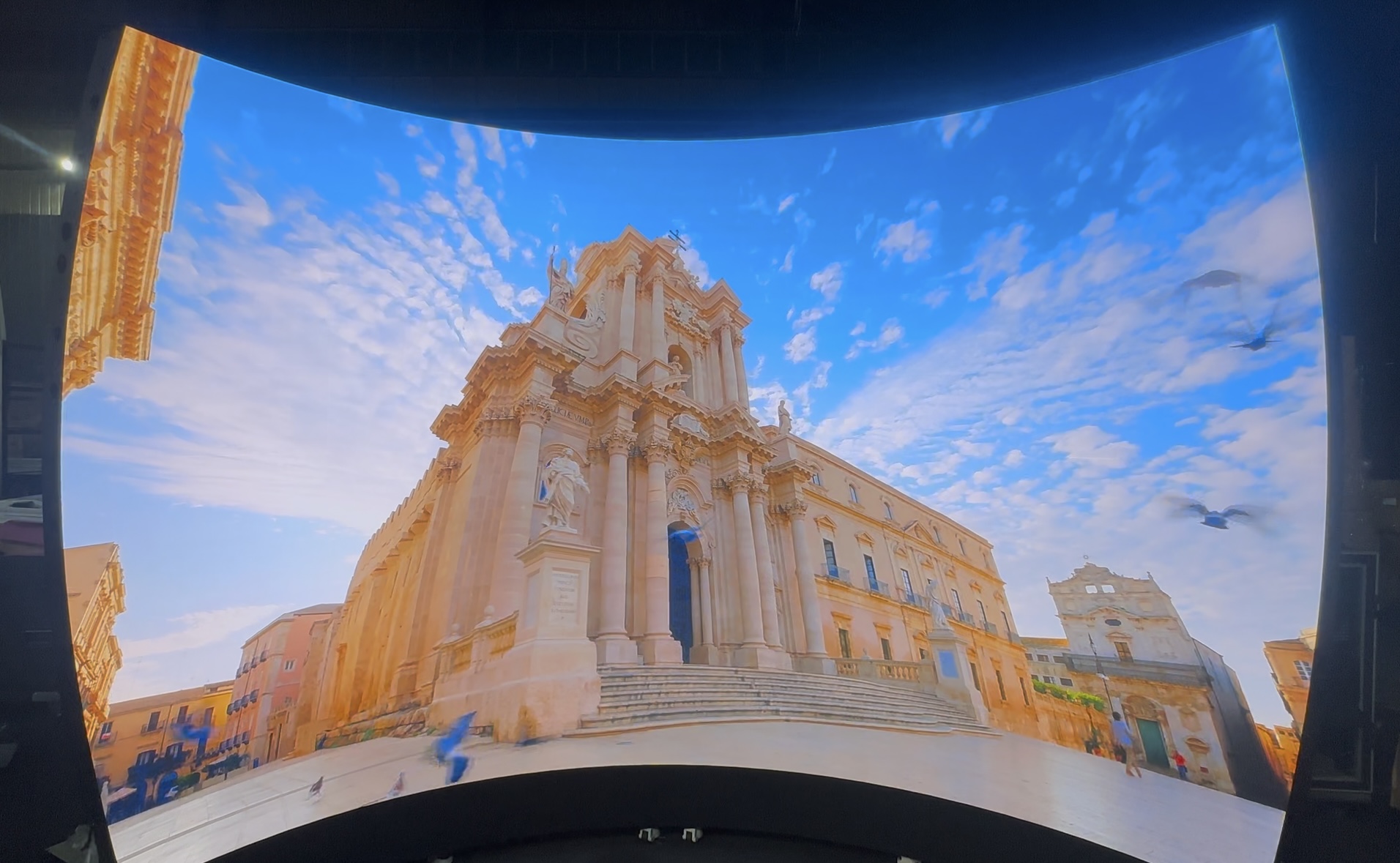
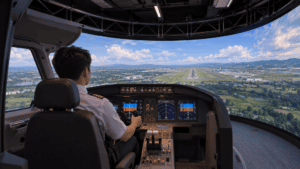
An LED simulation display is a curved, seamless LED surface that wraps trainees inside a real-time scene — a flight deck, a driving cab, a disaster-response environment — so the picture surrounds them instead of sitting on a wall in front of them. It is not a bigger meeting-room screen. It is built for a different job: high brightness, a seamless image, a very high refresh rate, moiré-free imaging for cameras, low latency and real-time interaction. Where a flat screen shows a picture, a simulation display builds a place to train in.
What Makes a Display a Simulation Display?
A meeting-room screen has one job: show a presentation clearly to people sitting in chairs. A simulation display has a harder job: convince a trainee’s eyes — and a camera’s sensor — that a virtual world is real, for hours at a time, while the trainee moves, reacts and makes decisions inside it.
That difference shows up in six demands, and they are the frame Durway uses to judge any screen built for camera-facing simulation work:
| Challenge | What the trainee needs | What the display must do |
|---|---|---|
| Colour accuracy | The scene must read as the real world, not as a tinted version of it | Reproduce colours faithfully, so a runway, a road marking or a warning light is recognised instantly |
| Anti-moiré | No shimmering patterns when the scene is filmed | Present a clean image to cameras, with no interference pattern between the LED grid and the camera sensor |
| High refresh rate | Motion that stays smooth when the scene moves fast | Refresh fast enough that a turning aircraft or a passing vehicle never stutters |
| Low latency | The picture must follow the trainee’s controls without a visible lag | Keep the delay between input and image short enough that the simulation feels immediate |
| High resolution and clarity | Fine detail at the distances trainees actually sit | Hold sharp detail across a wide, curved surface, not just in the centre of a flat wall |
| Durability | A training asset that runs day after day | Withstand continuous use in a training environment without degrading the image |
No single number decides any of these. A simulation display is judged as a system — the surface, the curve, the control, the content and the room working together. That is why Durway’s SimulaX simulation display is specified per project, not sold from a catalogue table: the pixel pitch, brightness, size and refresh rate are set by the simulator, the viewing distance and the training task, and confirmed on inquiry.
How Is a Simulation Display Different From a Meeting-Room Screen?
The easiest way to see the difference is to put the two side by side.
| Decision point | Meeting-room screen | LED simulation display |
|---|---|---|
| Shape | Flat rectangle on a wall | Curved or enclosing surface that wraps the trainee |
| Audience position | Seated, facing one direction | Inside the scene, looking in several directions, sometimes standing or moving |
| Image goal | A clear presentation | A believable world, from every viewing angle |
| Camera role | Occasional video call | Central — the scene is filmed, broadcast or recorded |
| Refresh and latency | Good enough for slides and video | High refresh and low latency, because lag breaks training |
| Moiré | Rarely an issue | A deal-breaker if the image shimmers on camera |
| Interaction | Click-through slides | Real-time interaction with the scene |
| Specification | Standard sizes and pitches | Designed per project, per simulator |
A flat screen fails a simulation in three specific ways. First, it has edges: the trainee can see where the world ends, and the illusion breaks. Second, it has seams and bezels if it is built from panels, and a seam across a runway or a road is a visible lie. Third, it is usually built for a single viewing direction, so a trainee who turns their head sees the picture fall away. A simulation display answers all three by curving around the trainee, joining seamlessly, and holding the image across the full field of view.
Where Are Simulation Displays Used?
Simulation displays serve training and production environments where the picture has to be believed, not just watched.
Flight and driving simulation. A pilot or driver sits inside a curved LED environment and sees the world move around them — runways, roads, traffic, weather. The display replaces the projector array that used to fill these rooms, with a seamless image, no edge blending between projectors, and no shadows cast by the trainee standing in front of the screen. For a fuller walk-through of these two scenes, see our guide to LED displays for flight and driving simulation — the next article in this series.
Immersive training environments. Disaster-response drills, emergency training and command-centre exercises put a team inside a scenario that changes as they act. The display has to keep up in real time, so the team’s decisions produce visible consequences immediately.
XR production and virtual production. When a camera films actors in front of an LED wall, the wall is both the set and the light source. Moiré-free imaging and colour accuracy decide whether the shot is usable, and a high refresh rate decides whether the camera sees a clean frame.
Broadcast studios and filming. The same camera-facing qualities apply in television and film studios, where a curved LED backdrop must look real on air. For the studio side of this story, see our guide to flexible LED displays for broadcast studios.
Planetariums and immersive theaters. A dome or a curved LED wall that wraps the audience is a simulation display in another form: the audience sits inside the picture. The speaker-behind-screen problem that theaters face is covered in our guide to LED screens for planetariums and immersive theaters.
What Should a Buyer Ask Before Specifying?
A simulation display is not bought by comparing two spec sheets. It is specified by answering six questions about the training task, in order.
- What is the trainee doing? Flying, driving, responding to an emergency, filming a scene? The task sets the field of view, the viewing distance and the detail the image must carry.
- How wide is the field of view? A flat wall covers one direction. A curved wall covers more. An enclosing surface covers the trainee completely. Match the wrap to the task, not to the room.
- Will a camera film the scene? If yes, moiré control, colour accuracy and refresh rate move to the top of the list, and the display should be tested with the actual camera before the order is placed.
- How fast does the scene change? Fast-moving training — flight, driving, emergency response — needs a high refresh rate and low latency. Slow-moving scenes are more forgiving, but the latency still has to be short enough that the simulation feels immediate.
- Who supplies the content and the image generation? The display is one half of the system; the image generator and the training content are the other. Confirm who provides each, in what format, and how they connect. The client supplies the video content, the media server and the technical staff — those items are named in the project scope, not assumed.
- How is the display installed and serviced? Flexible installation adapts to the studio or simulator layout, but the structure, the power and the service access still have to be planned with the room. Ask how a module is reached and replaced, and what spares are held, before the order is placed.
Simulation Display or Projector Array?
Most simulators today still use projectors. The comparison is worth making honestly, because projection has one real advantage: it is the established route, and many simulators already own the projectors, the screens and the blending software.
| Decision point | Projector array | LED simulation display |
|---|---|---|
| Seams | Edge blending between projectors; alignment drifts over time | Seamless image across the whole surface |
| Shadows | Trainees standing in the beam cast shadows on the scene | No projection beam, so no shadows |
| Room light | Sensitive to ambient light; the room must stay dark | Holds its image in a lit room |
| Black level | Projected black is grey, because the projector cannot project darkness | Dark scenes are genuinely dark |
| Maintenance | Bulbs, filters and alignment; projectors need regular attention | Modular panels; a failed module is swapped, not the whole system |
| Curve | Flat or simply curved screens; complex shapes are hard | Curved and enclosing shapes are the point |
| Cost of change | Re-blending and re-aligning after any move | Re-mapping content after a layout change |
Projection is not wrong. But where the training depends on a seamless, shadow-free image that survives room light and holds true black at night, LED is the stronger route — and it is the route Durway builds for.
Why Is There No Standard Specification?
Buyers used to catalogue screens sometimes ask for the specification table first. For a simulation display, the table comes last, not first — because the numbers depend on the simulator.
The pixel pitch is chosen for the trainee’s viewing distance and the visual acuity the training demands. The brightness is chosen for the room and the scene — a night-flight scene needs true black more than it needs peak brightness. The size and the curve are chosen for the field of view the task requires. The refresh rate and latency are chosen for how fast the scene moves and how quickly the trainee’s controls must be answered.
None of those figures can be fixed before the simulator is understood. That is why Durway does not publish a standard specification for SimulaX, and why any supplier who quotes one without asking about the simulator is quoting a shape, not a solution. The right question is not “what is the pitch?” but “what does the training demand, and how does the display answer it?”
Frequently Asked Questions
What is an LED simulation display?
A curved, seamless LED surface that wraps trainees inside a real-time scene — flight, driving, emergency training, XR production — so the picture surrounds them instead of sitting on a wall in front of them.
How is a simulation display different from a video wall?
A video wall shows a picture to people facing it. A simulation display builds a believable world around a trainee, with a seamless curved image, high refresh, low latency and moiré-free imaging for cameras.
Can an LED display replace projectors in a simulator?
Yes. LED removes edge blending, shadows and sensitivity to room light, and holds true black in night scenes. The image generator and training content carry over: the display accepts the standard video signal chain the simulator already uses.
What about moiré when the scene is filmed?
Moiré-free imaging is one of the six challenges a simulation display is judged on. The display is designed so the image stays clean to cameras, and it should be tested with the actual camera before the order is placed.
Is there a standard size or pixel pitch?
No. Size, pitch, brightness, refresh rate and curve are set per project, for the simulator, the viewing distance and the training task, and confirmed on inquiry.
Who supplies the content and the media server?
The client supplies the video content, the media server and the technical staff. Those items are named in the project scope at the start, so nothing is assumed on either side.
What control system does a simulation display use?
NovaStar is the default control system, with other brands fitted per customer request. No controller model is promised in advance.
Start With the Training Task
A simulation display is not a screen with a new name. It is a training environment, and it should be specified like one: start with what the trainee must do, how wide they must see, whether a camera will film it, and how fast the scene must answer. The curve, the pitch, the brightness and the refresh rate follow from those answers — not the other way around.
Ask for the six challenges to be answered in writing, test the display with the real camera, and confirm who supplies the content, the media server and the people. Get those right, and the display stops being a wall and starts being a world.
We turn clients’ concepts into reality. For specifications, quotations and project advice, contact Durway at info@durway.com.